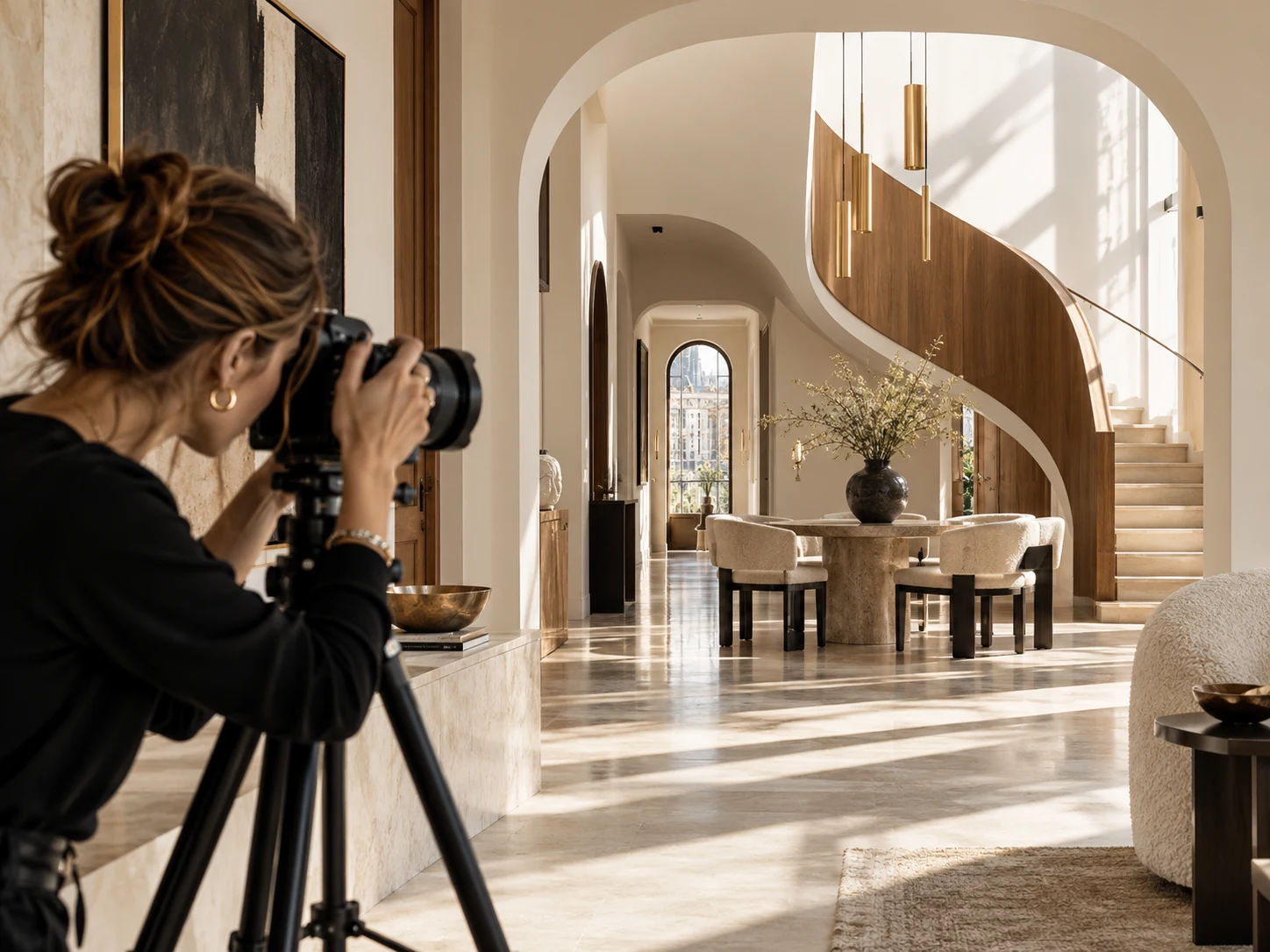
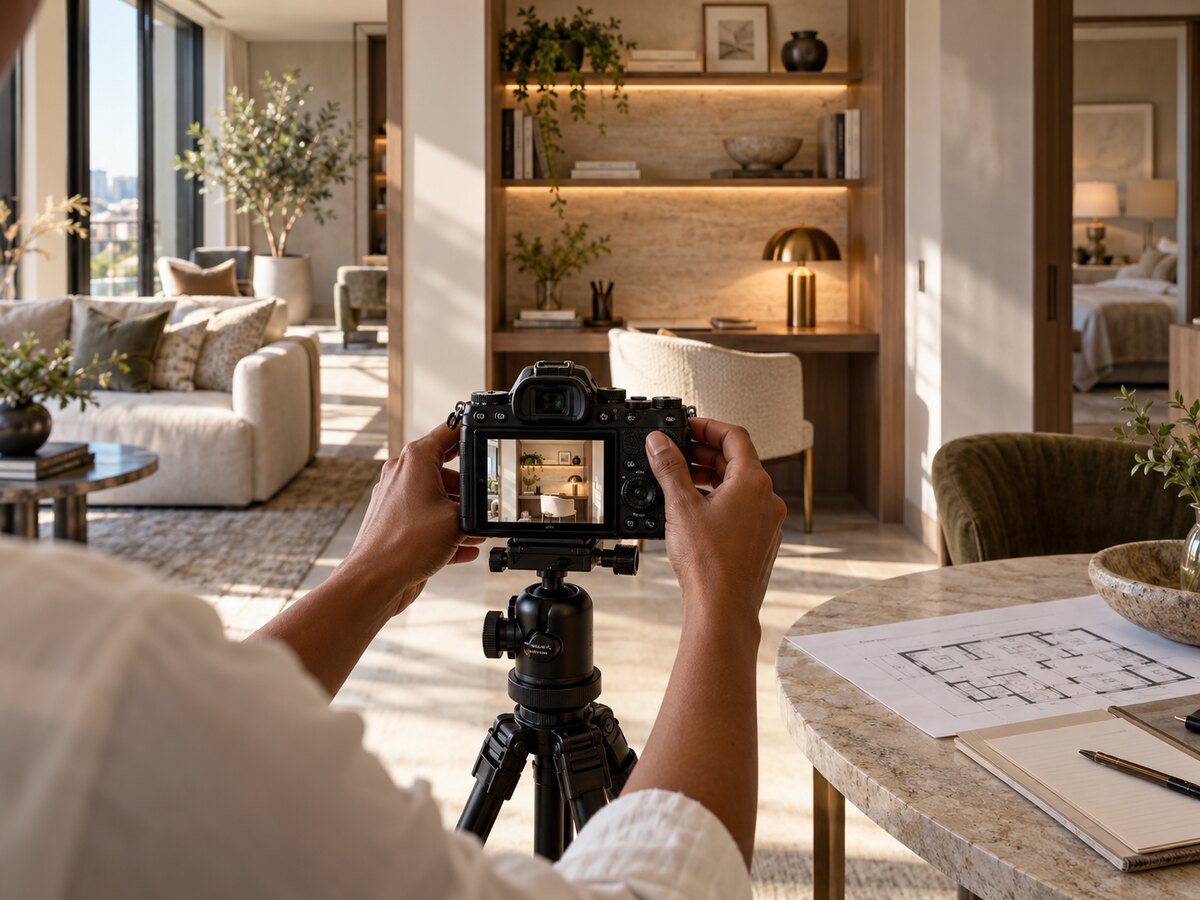
The shot list is full of nouns
Kitchen. Lounge. Fitness center. Exterior. Repeat until the property has been photographed.
That list establishes coverage. It does not establish what the images need to explain.
A kitchen image could help someone understand the work surface, the relationship to the living room or the difference between finish packages. Those assignments call for different framing and supporting information.
Before the photographer arrives, identify the leasing questions the existing asset library cannot answer. The brief should make the intended use clear enough that the photographer, marketer and property team can discuss it together.
Beautiful execution deserves a useful assignment.
Write the question in the prospect’s language
Start with actual inquiries and a review of the marketing journey. Where do visitors lack enough information to evaluate the property or available space?
For an apartment, the question might concern the relationship between a dining area and the kitchen. For an office building, it might concern the route from visitor arrival to the suite entrance. For retail, it might concern the storefront’s relationship to a pedestrian approach.
The photograph can show only what is visible under the conditions of the shoot. It cannot establish a guaranteed commute, future foot traffic or a universal experience.
Write the information job precisely. “Show the entrance from the visitor’s approach” is a workable instruction. “Make the property feel convenient” leaves too much unstated.
Define what must remain in the frame
In an illustrative shared-workspace brief, the team wants to show whether a resident could work comfortably between meetings. The shot may need to show seating, usable surfaces, nearby outlets and the relationship between different areas.
A close crop of a decorative lamp will not complete that assignment, however attractive it looks. The brief should specify which practical details must be visible and which need a caption or additional image.
Walk the location with the photographer if possible. Identify constraints such as operating hours, light, access and the presence of people. Agree on permissions and usage requirements before production.
The creative brief should describe the viewer’s question as clearly as it describes the visual mood.
Preserve room for the photographer’s judgment. The goal is a shared information objective, not a prescription for every camera decision.
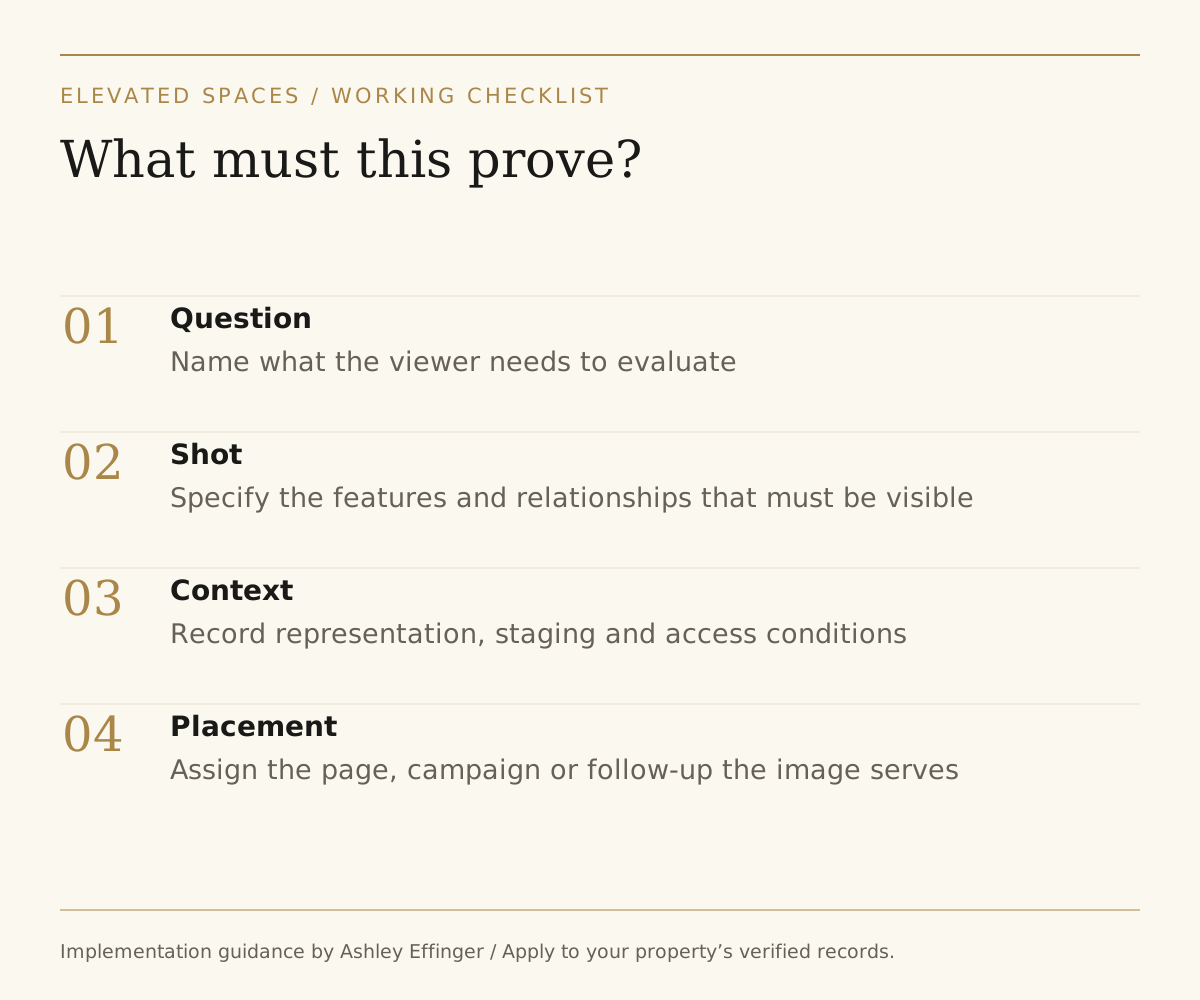
Read the framework as text
Practical review checklist. Question: Name what the viewer needs to evaluate. Shot: Specify the features and relationships that must be visible. Context: Record representation, staging and access conditions. Placement: Assign the page, campaign or follow-up the image serves.
Plan the asset’s destination before the crop
A website hero, listing gallery, vertical social post and broker presentation use different formats. Include intended placements and required aspect ratios in the brief.
Ask which shots need clean space for text and which should remain informational photographs. Capture appropriate alternatives rather than assuming one composition can be cropped indefinitely without losing the feature it was meant to show.
Record what each asset depicts: location, home or suite, finish package, date and any staging that affects interpretation. Keep those details with the asset library so future users can select it accurately.
If an image represents a different available space, explain that relationship where necessary. The asset’s history should not disappear when it moves from the photographer’s folder to a campaign template.
Review for usefulness as well as beauty
At delivery, compare the selected images with the original questions. Can the relevant feature be understood at the size and crop where the image will appear?
A striking photograph may still need a companion shot or caption. Identify that gap before publishing rather than hoping the viewer will infer the missing information.
Add a usage map to the asset library. Note the page or campaign each image supports, its identification details and when it should be reviewed again. This reduces the chance that an outdated representation becomes the easiest file to find.
The Property Photography & Content Brief Builder brings these steps into one working resource. Start by adding one field to your next brief: “What question must this image answer?”
What should a property photography brief include?
Include the exact prospect or tenant question each image must answer, the property feature or relationship that must remain visible, intended placement and crop, accuracy or staging disclosures, access requirements and the owner who will verify the final asset. That applies to multifamily, office, retail and mixed-use properties.
The Property Photography & Content Brief Builder turns those decisions into a reusable working brief. If the resulting photos need coordinated campaign copy, the Multifamily Content Vault can support the next production step for multifamily teams.
Put the perspective to work.
Explore positioning, marketing performance and experience strategy for luxury multifamily and Class A commercial properties.
Work with Ashley