
Executive Marketing Performance Brief
The report should end with a decision.
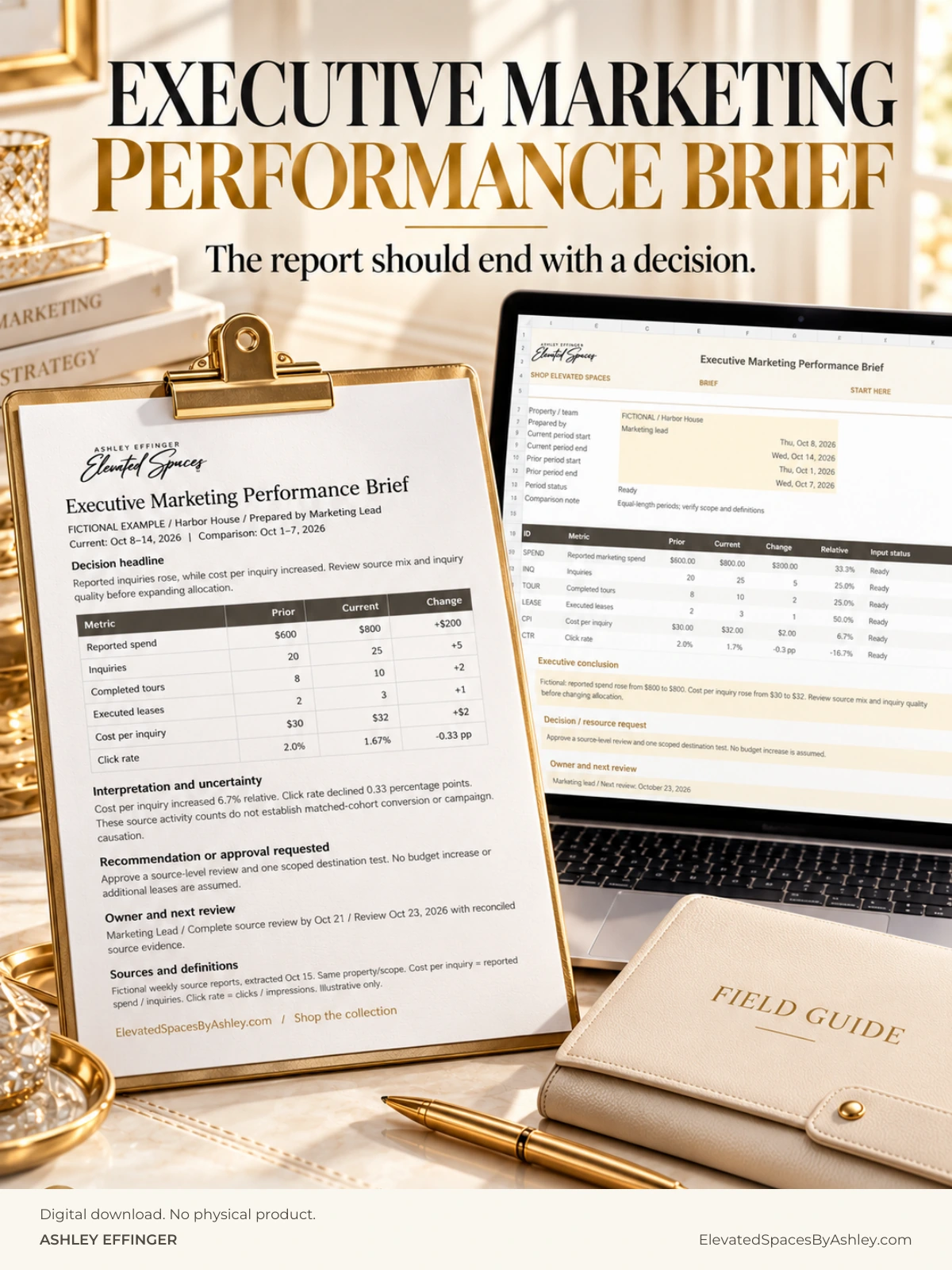
A three-tab Excel reporting workbook, editable one-page Word brief and completed fictional example, plus an eight-page fillable guide. Connect reported activity and period comparisons to a clear recommendation and next decision.
Cover concept shown. Available now. Purchase and digital delivery are handled by the linked storefront.
What should an executive marketing performance report explain?
Leadership needs a concise answer to four questions: What changed? What evidence supports the observation? What action is recommended? Who owns the next review?
Build a defensible performance picture.
Define the metric, source, reporting periods and units. Compare like with like; distinguish percentages from percentage-point changes, and missing information from zero.
Make the recommendation explicit.
State the decision requested, the proposed response, the responsible owner and the review date. An observed performance gap is not automatically proof of its cause.
Inside this digital download
The three-tab Excel workbook supports metric entry and period comparisons. The editable Word brief turns the findings into a one-page leadership decision request. A fictional completed example and fillable PDF guide show how to use the files.
The files do not automatically connect to your CRM, analytics tools or one another. They are a structured reporting aid, not a live dashboard.
Start with the companion article, The Marketing Report Needs a Recommendation, an Owner and a Next Step, to frame the discussion before filling in the brief.
A useful question.
A practical next action.
Connect activity, performance and the next decision.
Extract the ZIP, save a working copy and begin with Start Here. Enter the source, units and reporting periods for each metric, review comparison checks, then draft the recommendation and decision request in Word. Missing inputs stay distinct from zero. The Word files do not automatically link to Excel, and no slide deck is included. Excel .xlsx is primary; no native Google Sheets template, CRM link or analytics import is included.
Inside the download
- Three Excel tabs: Brief, Metrics and Start Here
- 12 metric records with six preset metric IDs, unit checks and period comparisons
- Separate handling for counts, currency, cost per outcome and percentage-point changes
- Editable one-page Word brief and completed fictional example
- Eight-page PDF guide with four fillable fields, instructions and an internal organization license
Who it is for
Marketing leaders and property teams preparing concise, evidence-based performance updates for owners and executives.

The Marketing Report Needs a Recommendation, an Owner and a Next Step
Turn a performance observation into a decision request leadership can evaluate and the team can follow through.
Read the articleKeep the work connected.
Choose a companion only if it fits the next decision you need to make.
Multifamily Marketing KPI Dictionary
Agree on what the metric counts before interpreting the result or deciding the next action.
Multifamily Marketing Command Center
Connect campaigns, content, assets, handoffs and reported results.
Need a property-specific plan?
Pair your self-guided tools with strategic support for your property or portfolio.
Work with Ashley